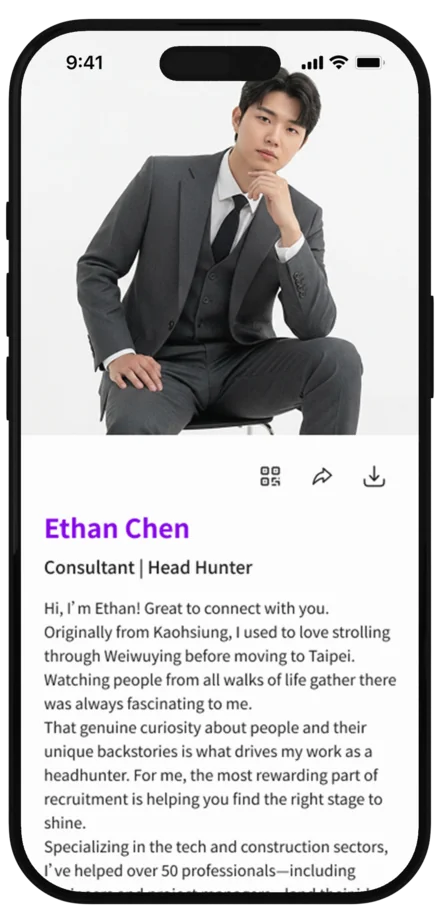

Explore Your Profile Card
From custom URLs and card styles to bio generation and AI professional portraits, learn the essential settings in one place.
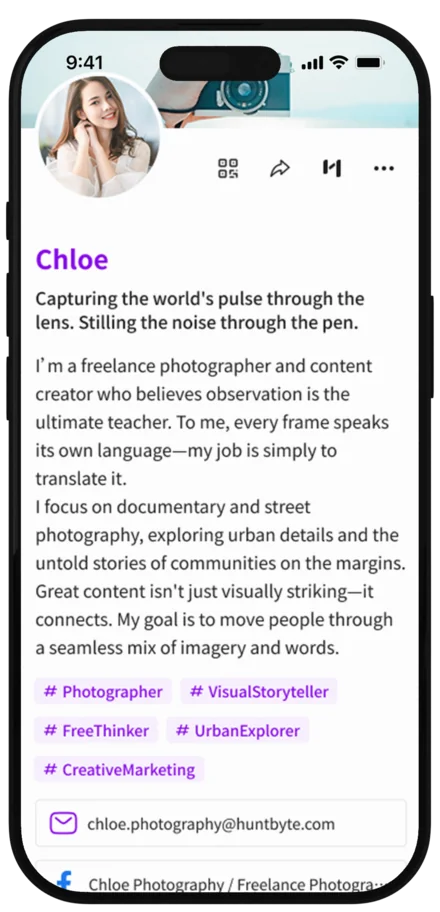
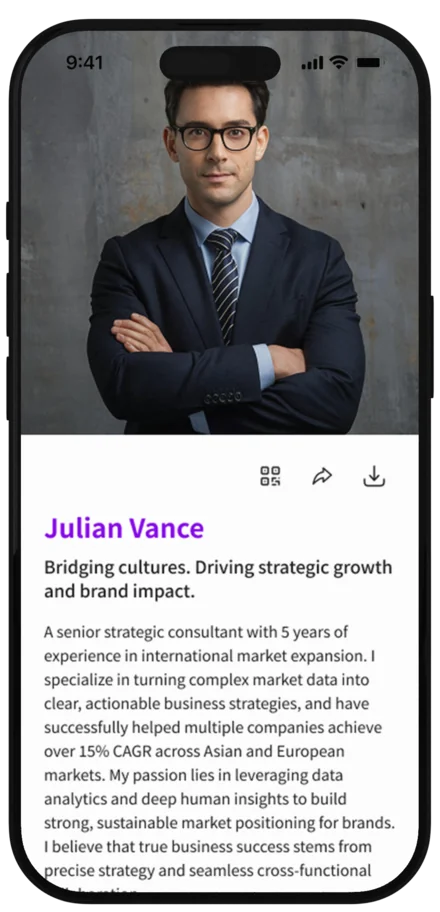
Complete Your Introduction
Answer a few questions to write your bio, then turn your existing photos into professional portraits.
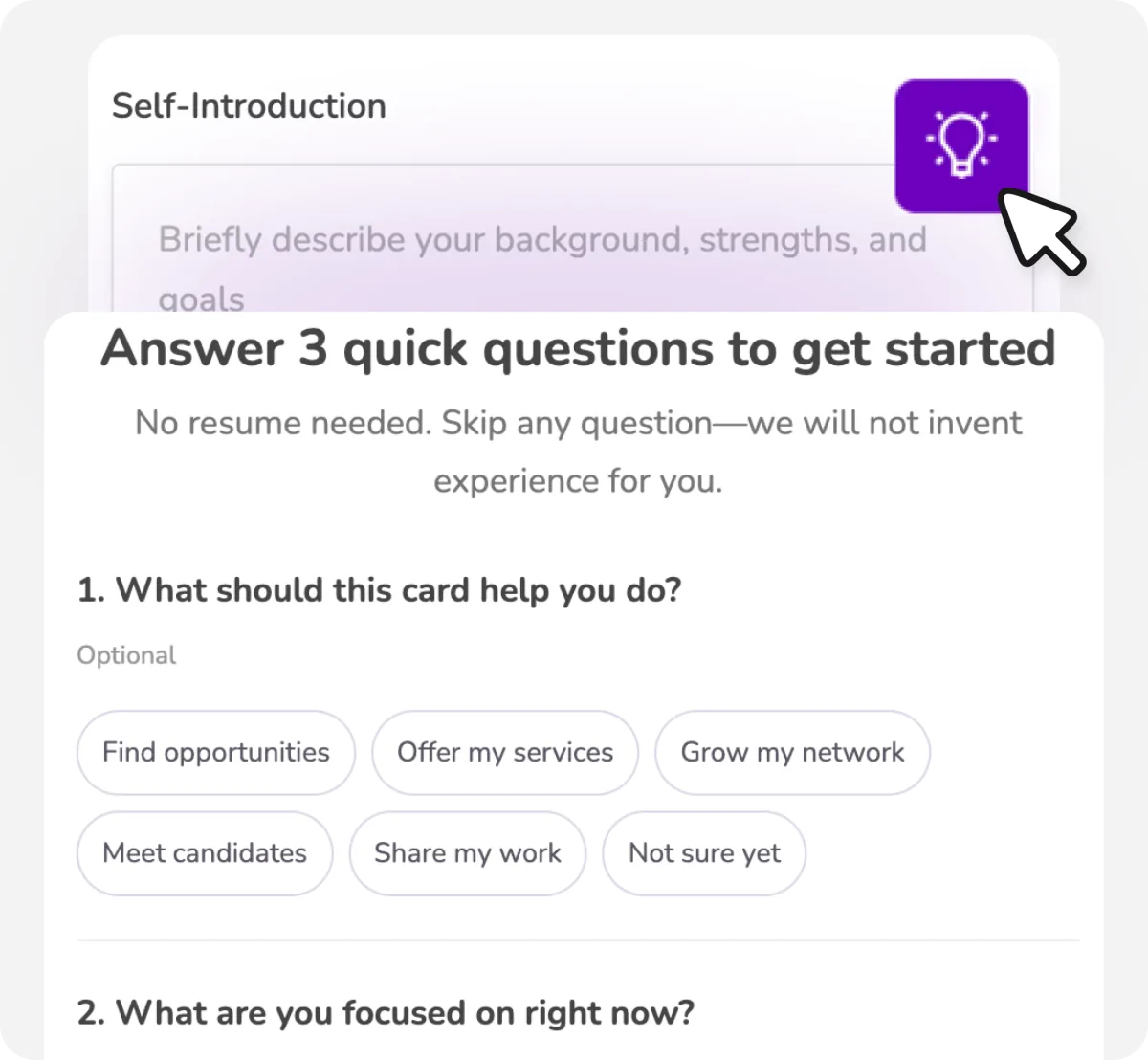
Generate Your Bio
Skip the blank page. Answer a few simple questions to create an introduction you can edit right away.
- Complete 3 simple questions
- Choose from 3 generated drafts
- Every draft is based only on the information you provide
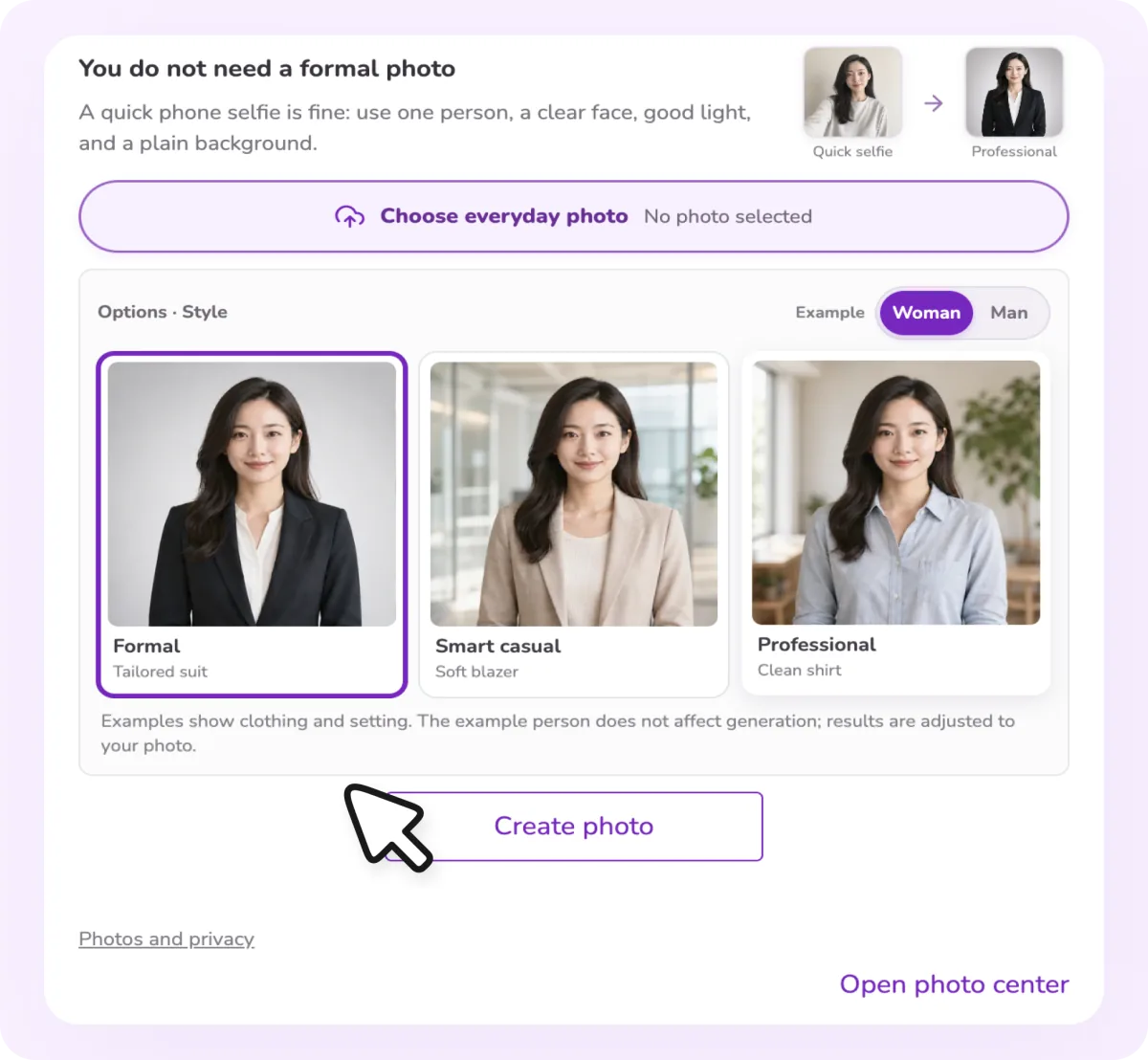
AI Professional Portraits
No formal headshot? Upload photos you already have and let AI create a polished professional portrait.
- Use any clear, front-facing photo from your phone
- Choose from formal, business-casual, and relaxed professional styles
Build Your Identity
Shape the first impression people get from your URL, layout, and language.
Choose Your Card Style
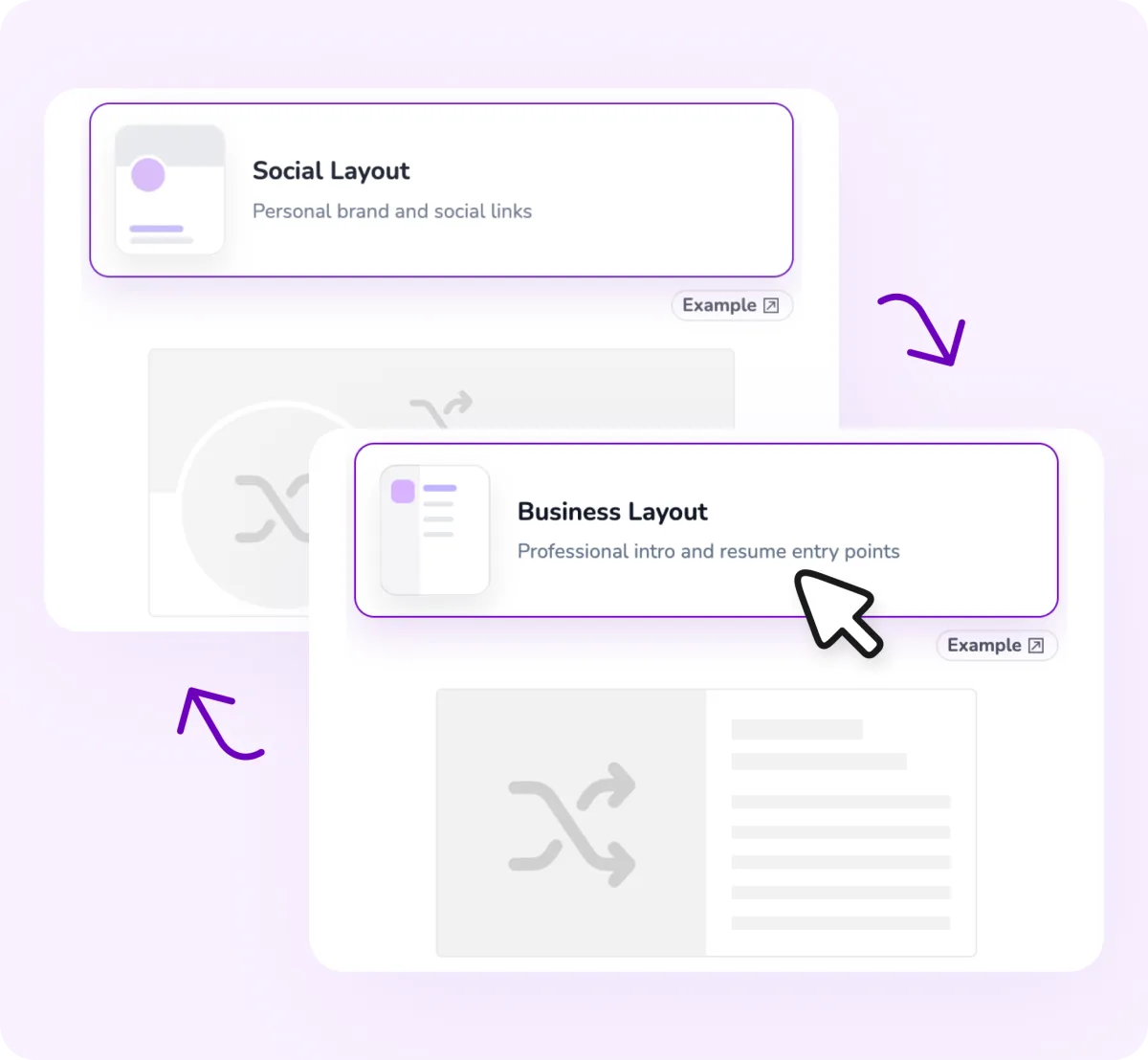
Choose between two layouts for different situations, each with its own profile photo and cover image.
- Business style: professional introduction and resume access
- Social style: personal brand and social links
Create a Custom URL
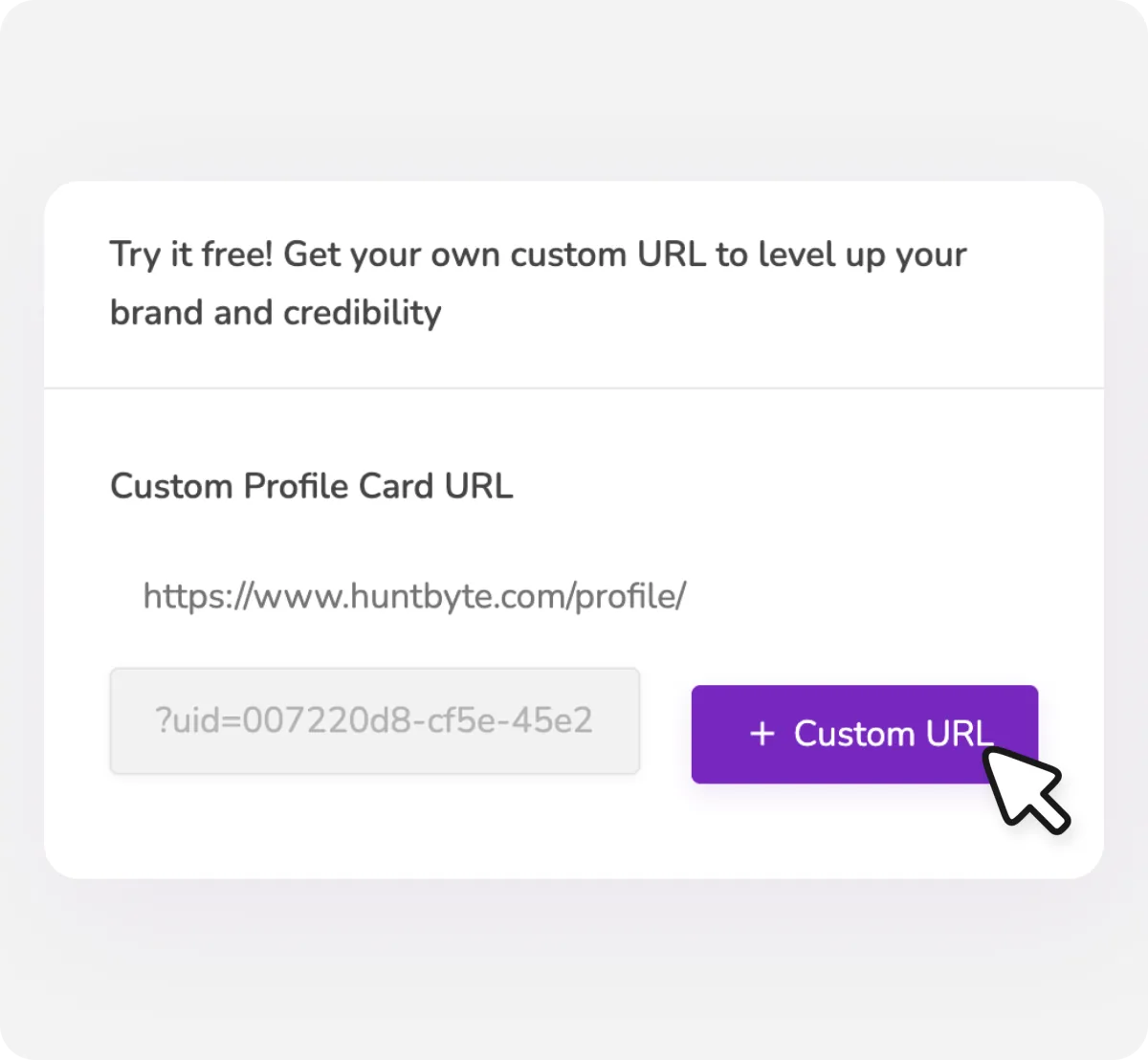
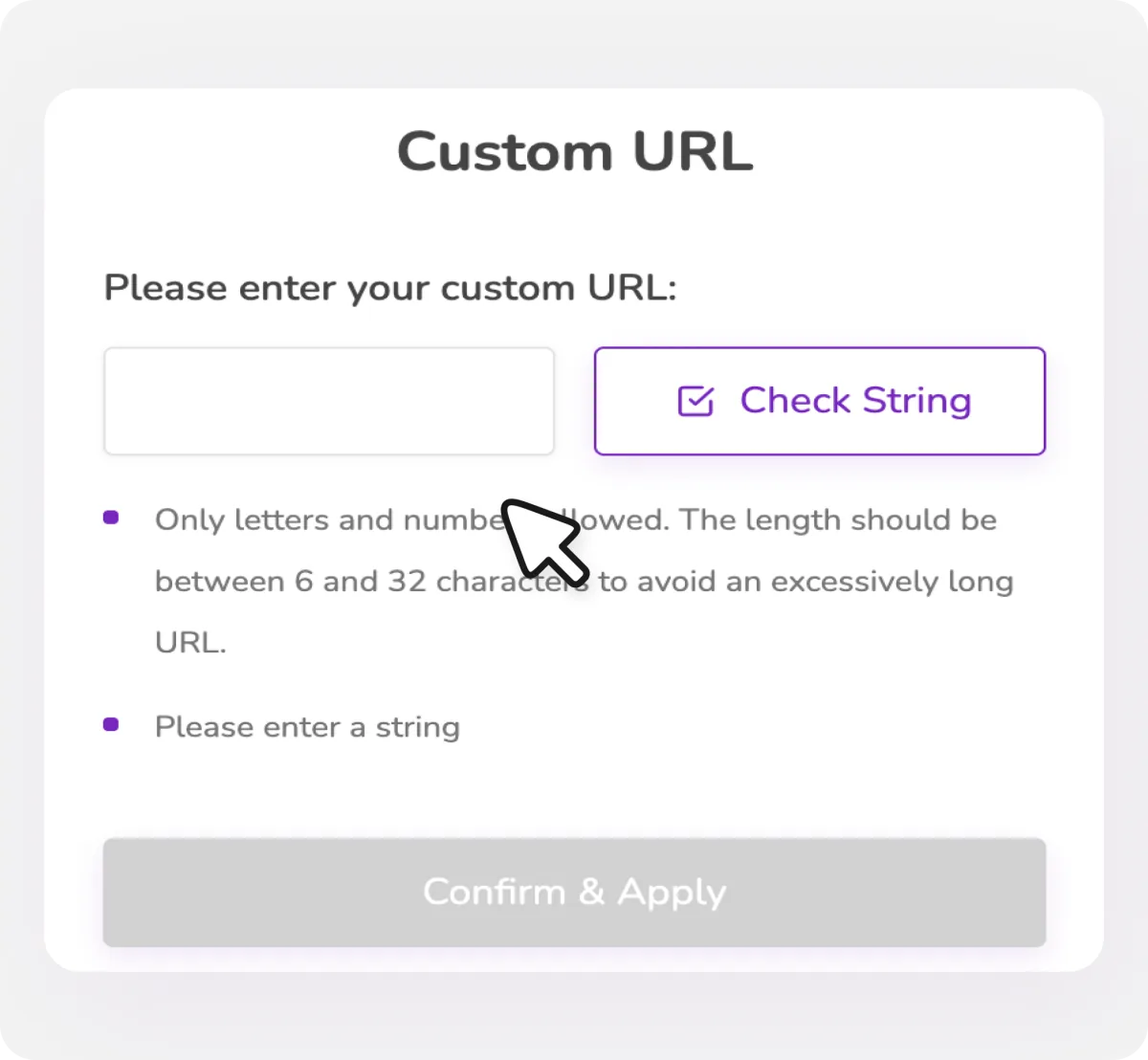
Replace the default address with a memorable personal URL you can add to your resume, printed card, or social profile.
- Easy to find and remember
- Set it once and keep using it
- Share it in resumes, emails, and social bios
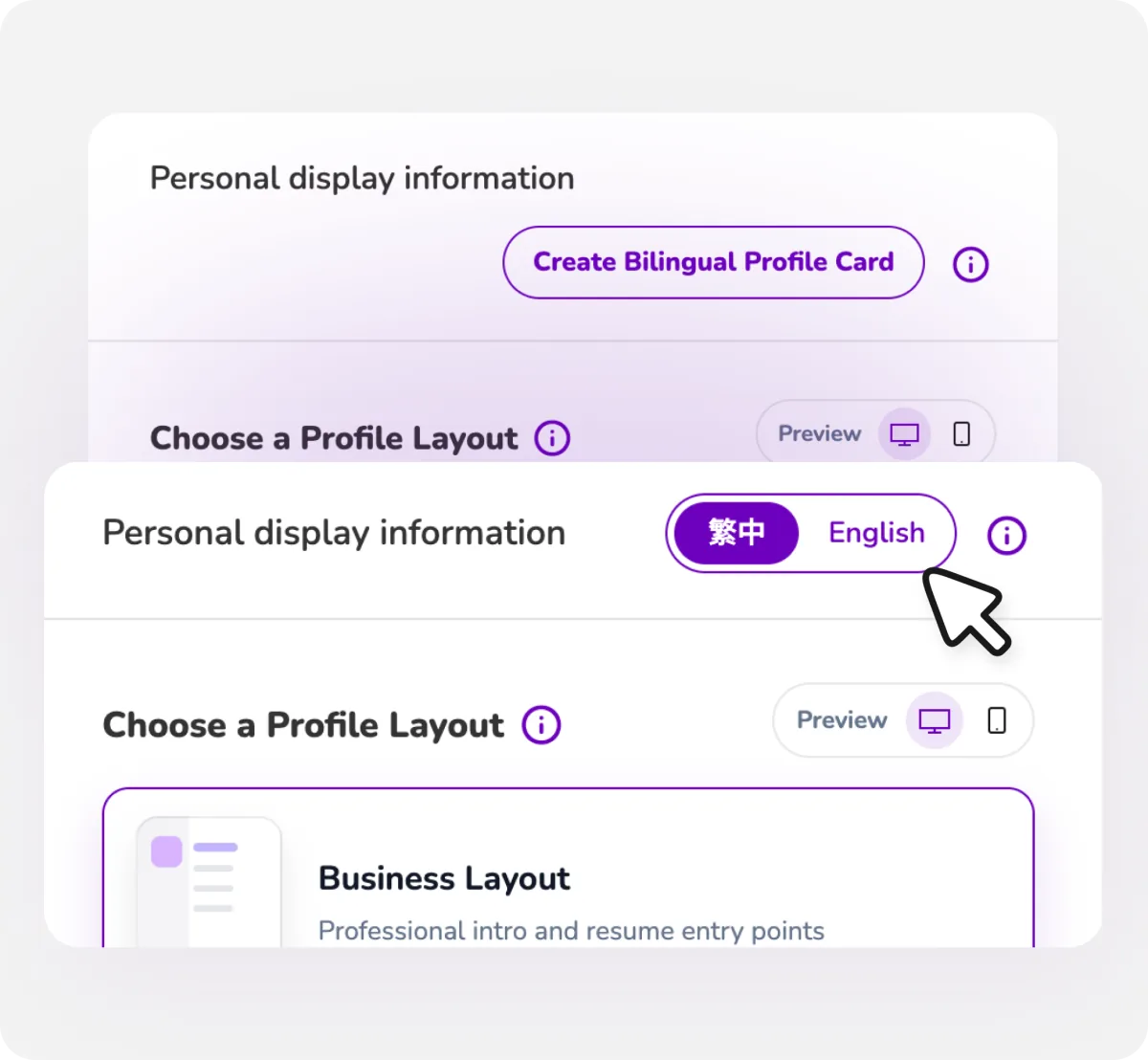
Create a Bilingual Card
Create a bilingual card in one step. HuntByte copies your current content so you only need to edit the English version.
- Copy your existing content as a starting point
- Manage each language separately
- Use one card for local and international connections
Connect Your Resources
Bring your links, email signature, and card image together in formats you can use anywhere.
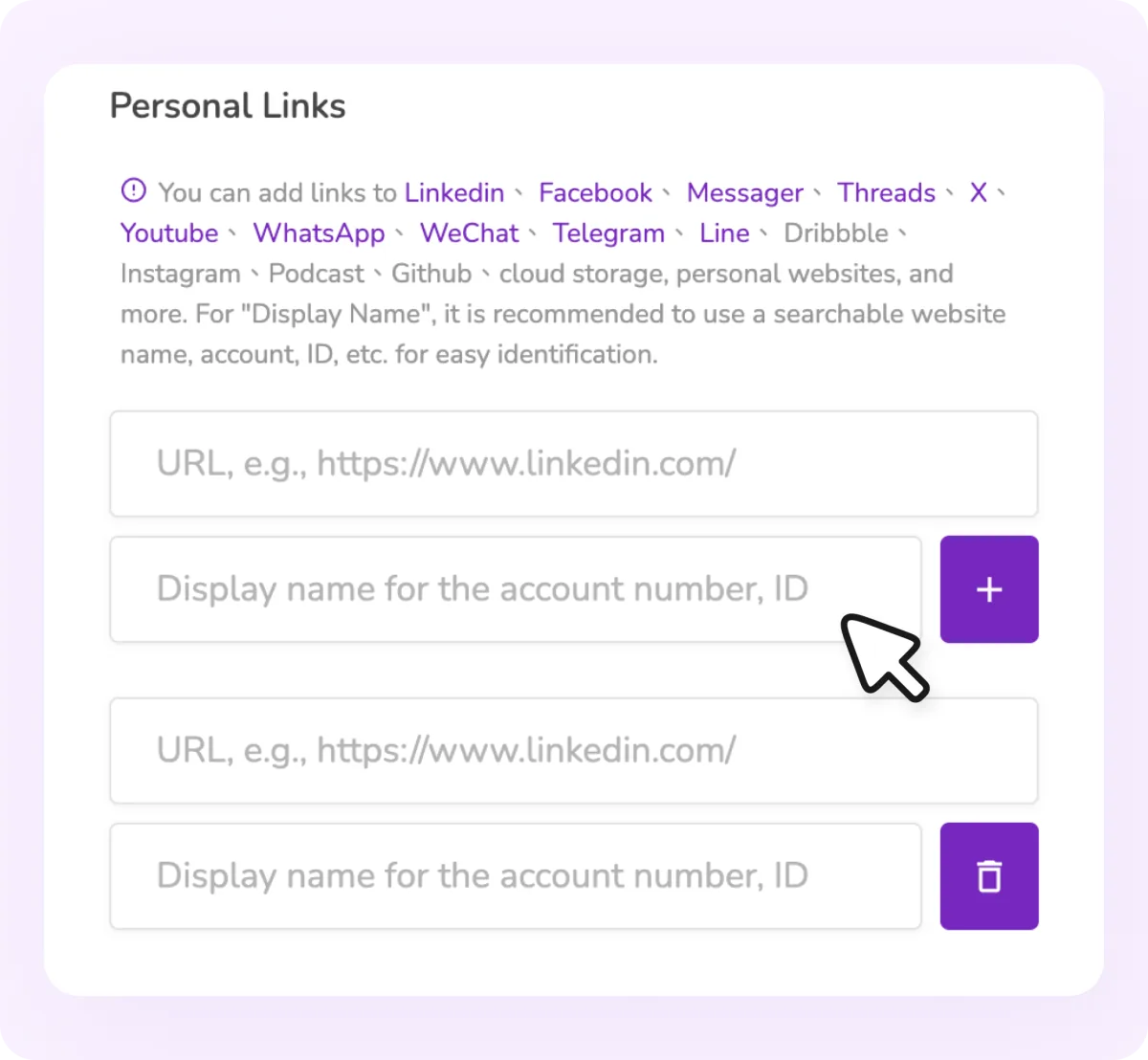
Add Your Links
Bring LinkedIn, your portfolio, and social profiles into one card so people can find everything without switching pages.
- Show up to 8 contact details or links
- Give each link a clear custom label
- Supports LinkedIn, Instagram, GitHub, and more
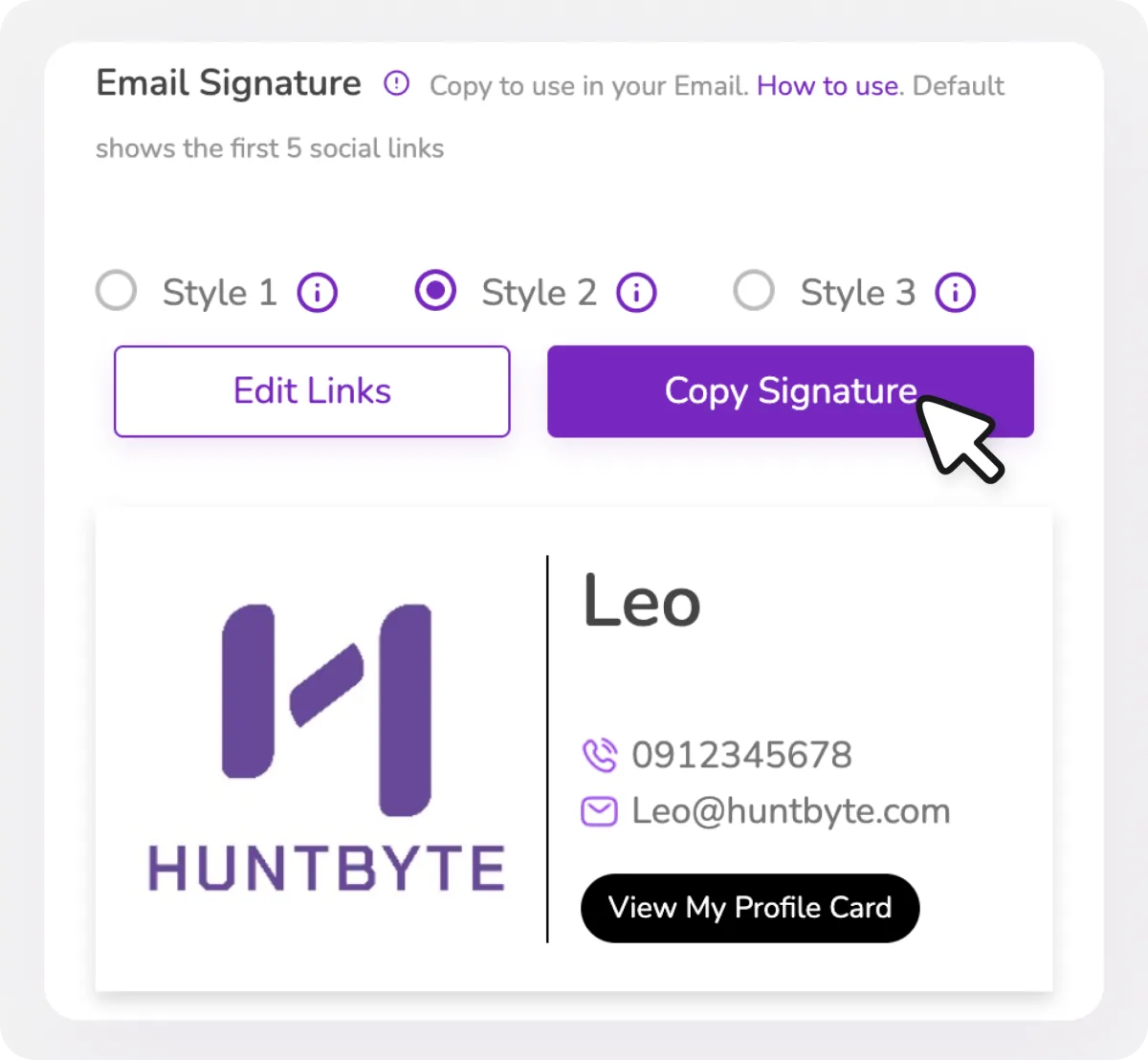
Email Signature
Turn your profile card into an email signature you can paste into your inbox and include in every message.
- Choose from 3 styles
- Copy once and paste it into your email
- Displays your first 5 social links by default
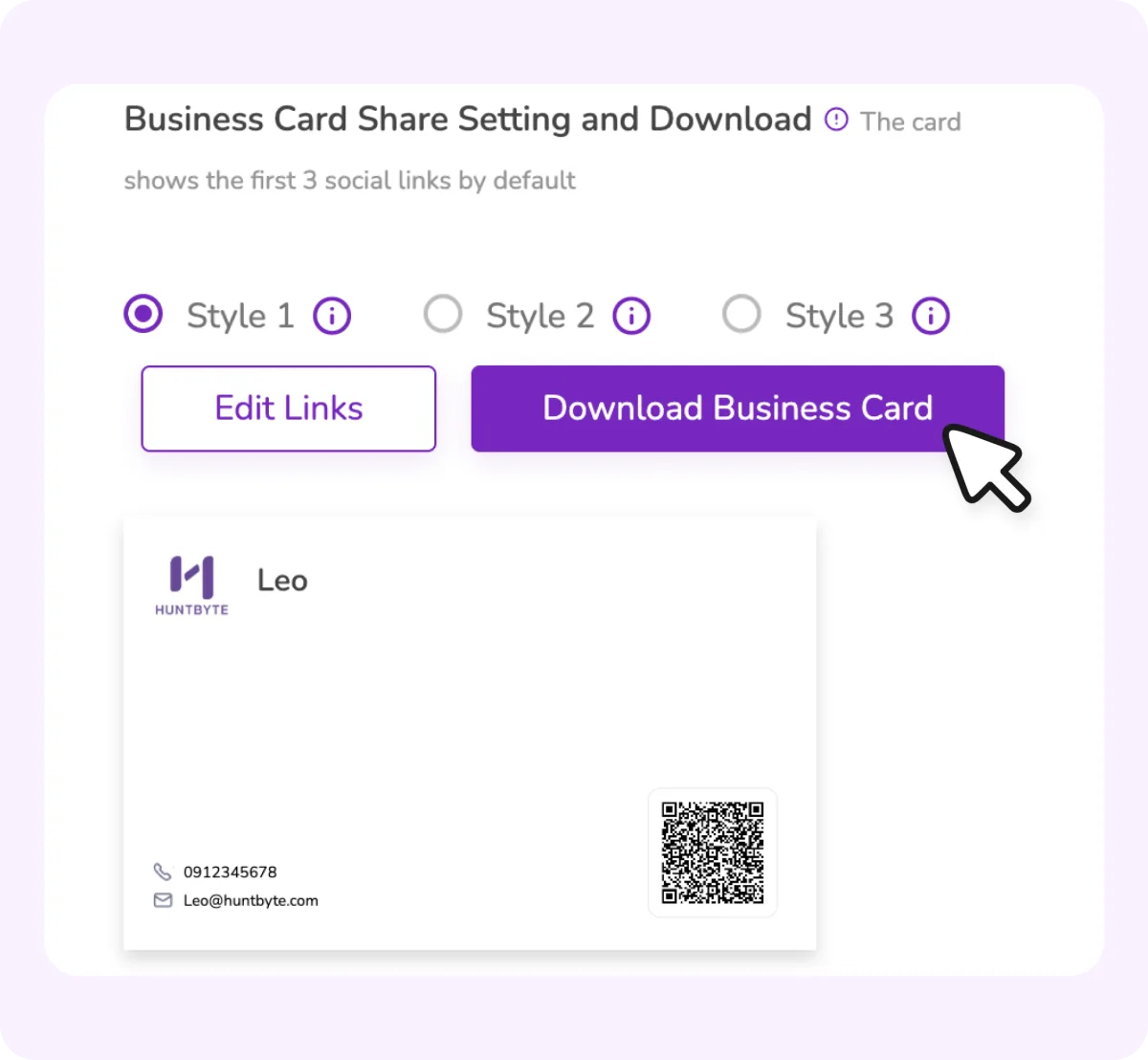
Download a Card Image
Download your card as an image for your phone, print materials, or social sharing.
- Choose from 3 styles
- Download it from your public profile
- Save it to your camera roll or share it in messages
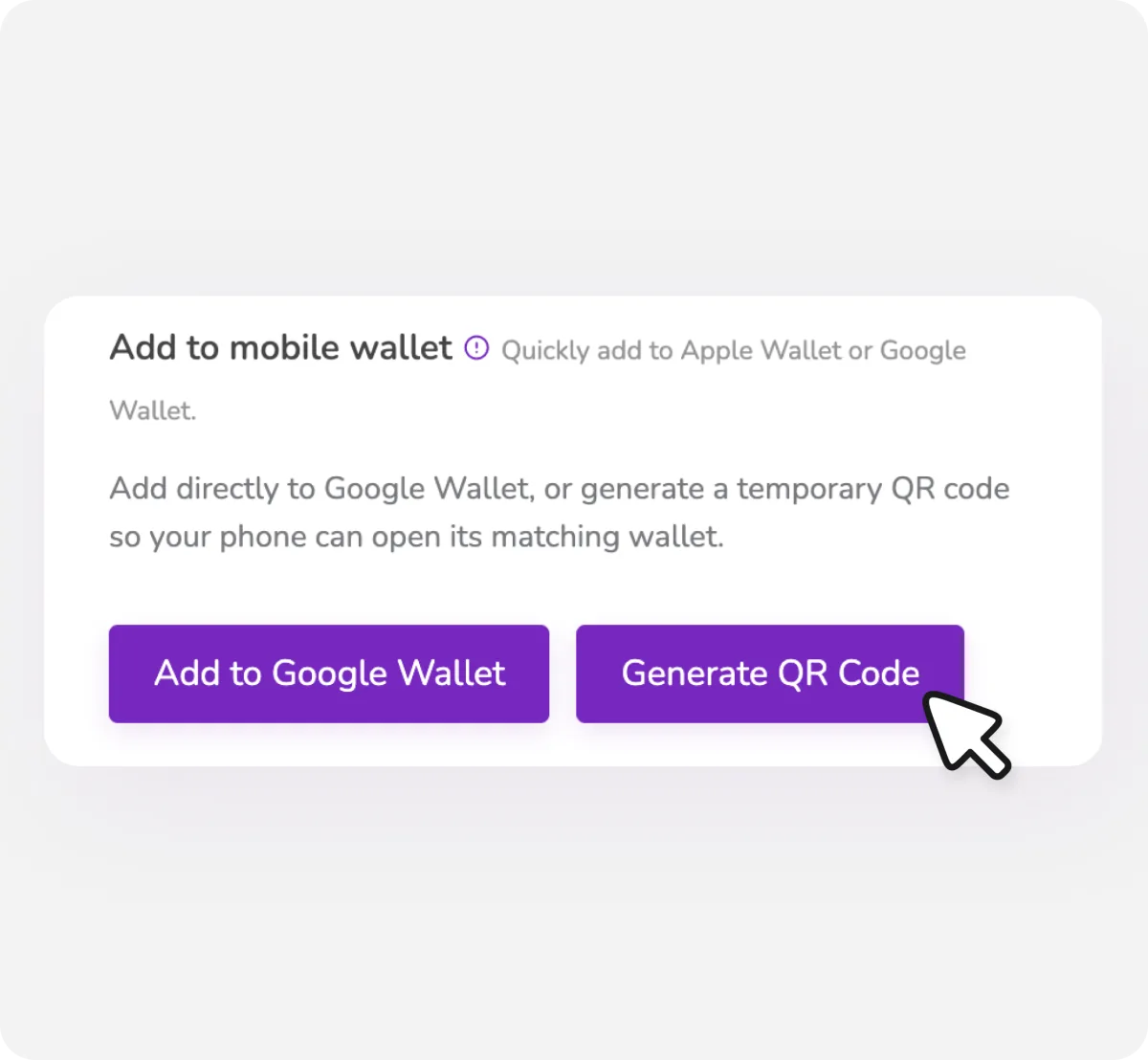
Add to Mobile Wallet
Keep your card in your phone's wallet so it is always ready to open and share.
- Add it to Google Wallet in one step
- Scan a QR code to add it to Apple Wallet
Extend Every Business Connection
Keep the conversation moving with card scanning, meeting availability, and engagement tracking.
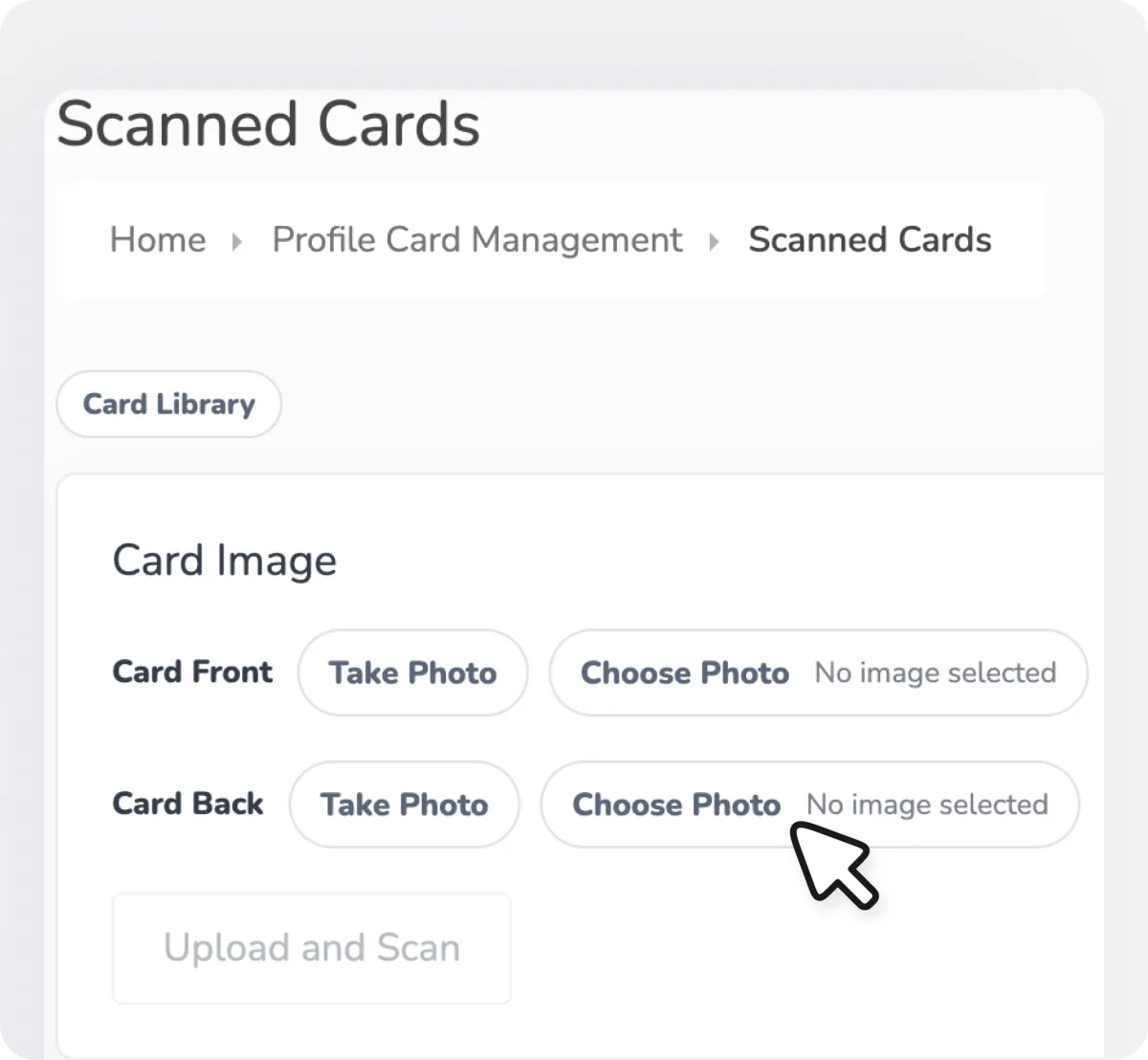
Scan Paper Business Cards
Photograph a paper business card and turn it into an organized digital contact in your card library.
- Scan both the front and back
- Recognizes names, companies, job titles, and other fields
- Add custom tags and notes for easy follow-up
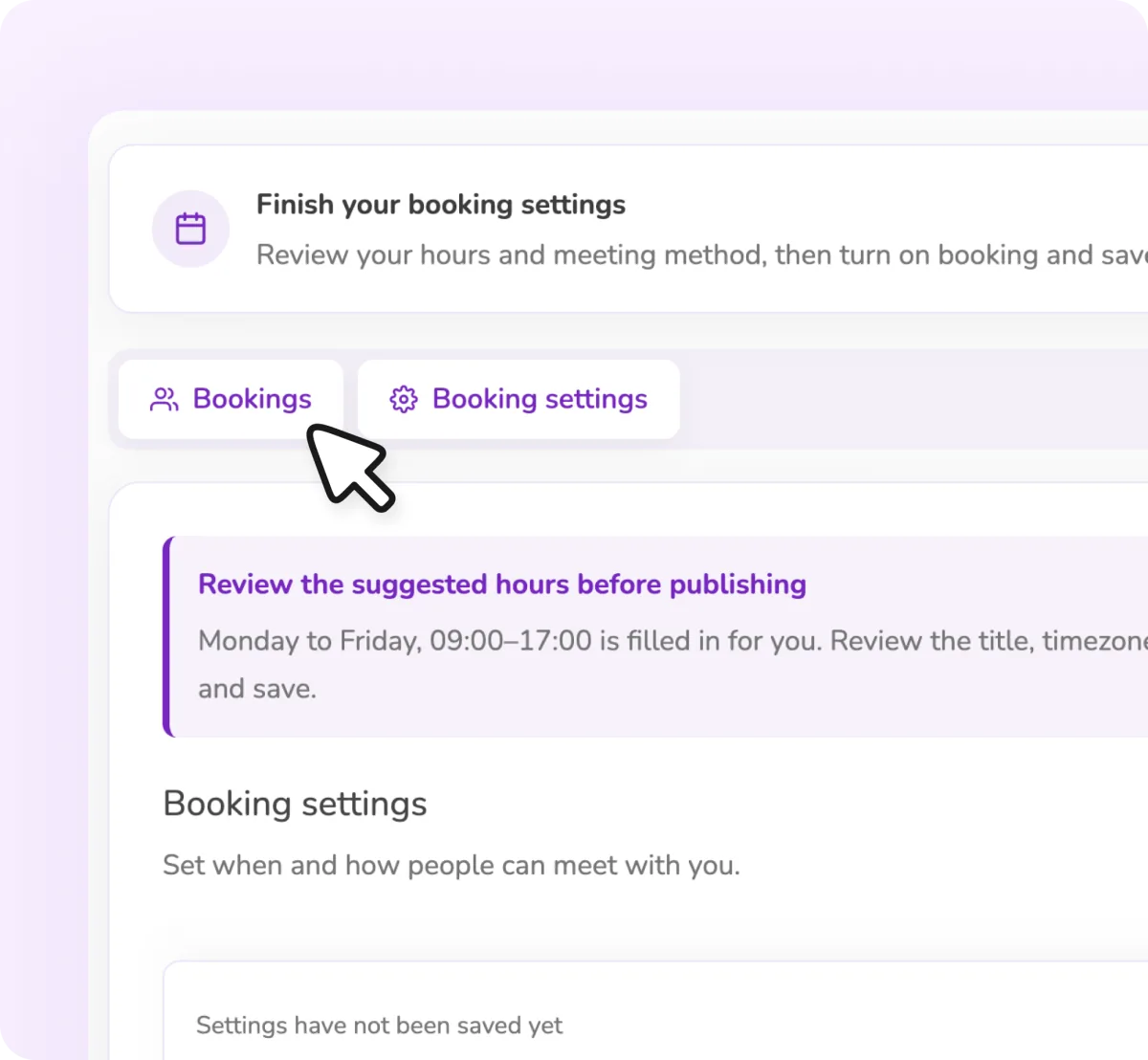
Manage Meeting Availability
Set the times you are available and let visitors book a meeting directly from your card.
- Supports online meetings and in-person locations
- Choose your meeting length and available times
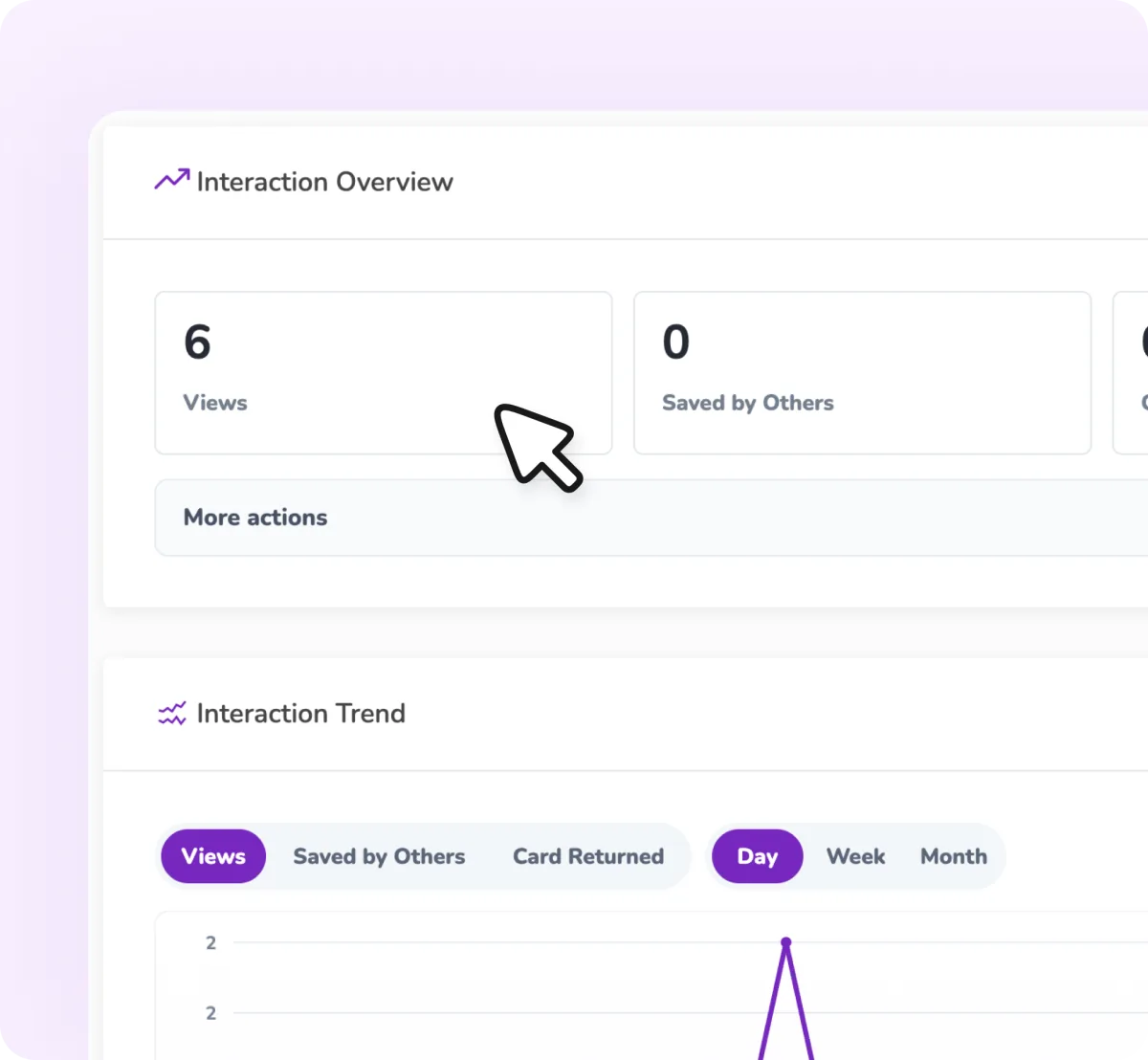
Track Card Engagement
See what happens after you share your card by tracking views, saves, and returned contact details.
- Read trends at a glance with clear charts
- Organize cards and add follow-up notes

Ready for a better way to connect?
No app required. Set up your profile card in minutes and start making stronger connections.